
Recovery choices
Undo, restart or slow time? Choose the right recovery
A late throw, a misplaced setup stone and a patch-reset save are different problems. Choose the smallest action that actually addresses yours.
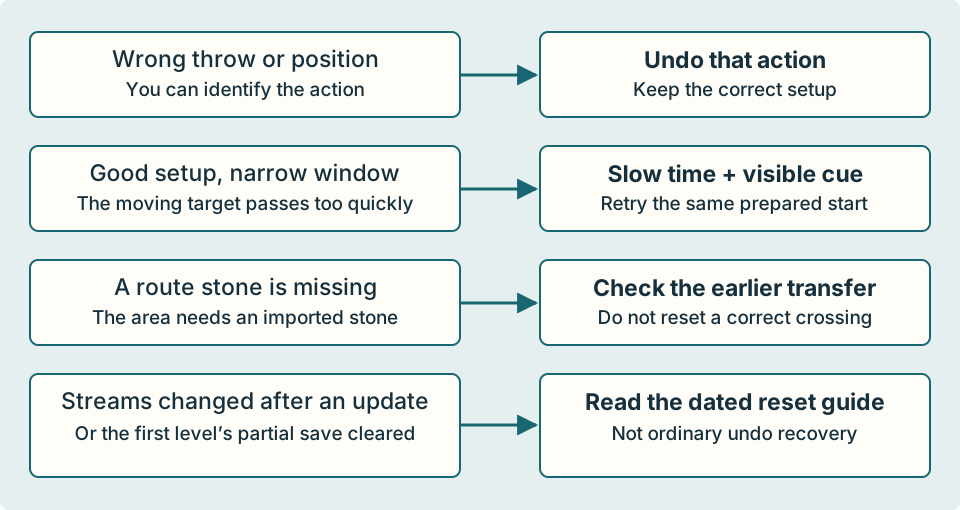
The short answer
For an ordinary wrong action, undo to before that action. For a good setup with a narrow timing window, keep the setup and use your current slow-time control. Before restarting, check whether the area depends on a stone brought from an earlier board.
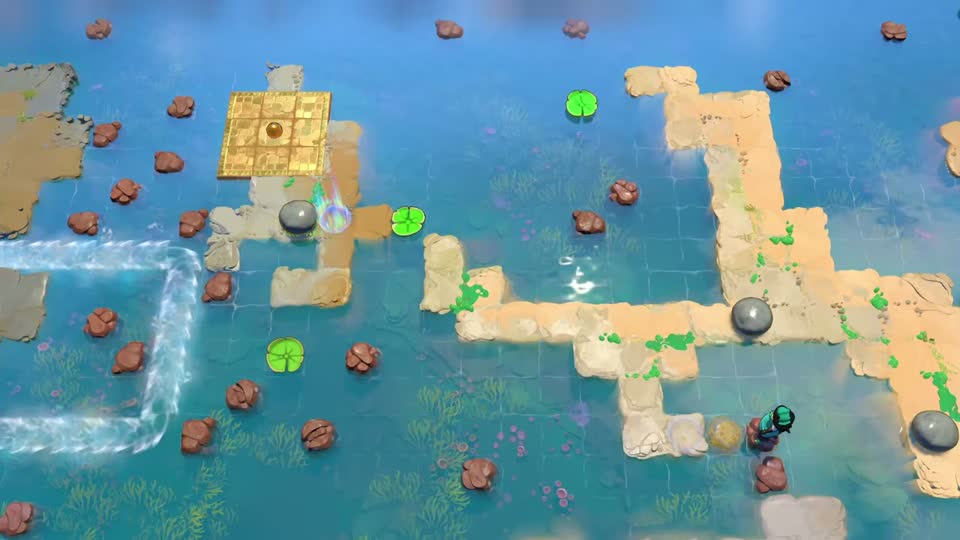
The pictured examples come from launch demonstrations, not an October 15 playthrough. Match the islands and prepared objects before using an exact route; updated checkpoints or layout details may differ.
Undo a wrong action; do not rebuild a correct setup
If the pad turns too early, a catch stops in the wrong place or a collision misses its column, rewind to just before that decisive throw. Compare the stones and sailors with the guide’s prepared state, then repeat only the failed action.
At the orb-side timed pad, the useful retry begins before the second timed throw. If the two staging stones are wrong, undo farther to the preparation error instead. Undoing a timing action cannot correct a setup you leave unchanged.
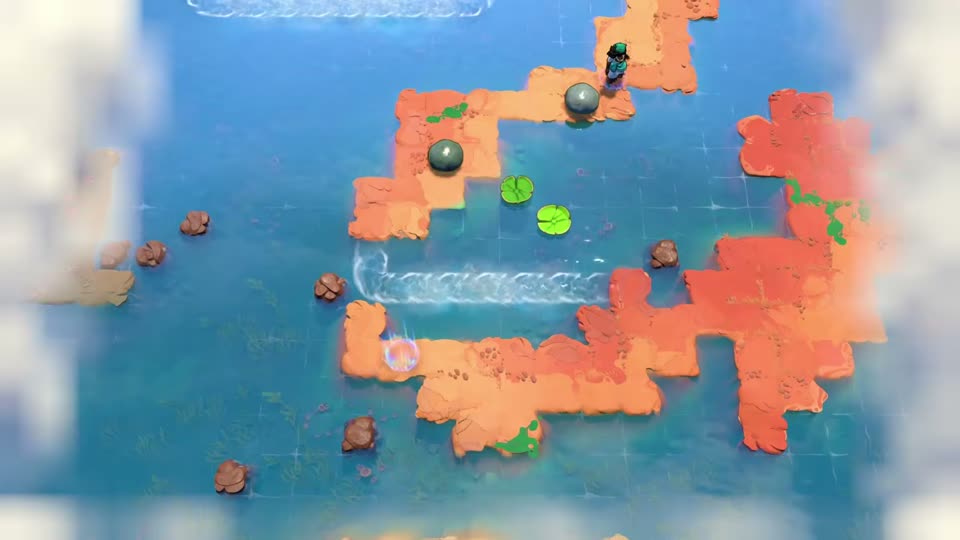
Slow time changes your chance to react
Use the slow-time binding shown by your current game version while watching the moving object approach a visible landmark. It helps you choose when to throw; it does not put a stone back or restore a cleared save.
The October 9 update fixed a time-speed input issue when Skipping Stones was the first solved level. Update if your control behaves incorrectly. Button layouts can differ between versions and platforms, so this guide uses action names rather than asserting one universal key.
For the complete prepare → launch → cue sequence, use the moving lily-pad timing guide.
Before choosing Restart, check what the route needs
Restart is a deliberate reset, not a substitute for finding an omitted transfer. This guide does not promise which checkpoint, room state or imported stones every version’s Restart action restores. Read the in-game prompt before confirming and do not treat it as a save-recovery tool.
In the two-pad stone-transfer area, reaching the checkpoint is only half of the job: a stone still has to go east. The next area can be short of a stone even though your current crossing is fine. Check the missing-stone transfer list before discarding that setup.
An update mismatch is not an ordinary failed throw
If the first level’s streams changed while its placed stones remained after the October 14 patch, or its partial save cleared after October 15, use the dated progress-reset guide. Do not keep rewinding in the hope of recovering the removed save state.
October 12 and 14 changed moving-object and checkpoint behavior in Skipping Stones. Those notes do not map every fix to this site’s board numbers. If a current-version checkpoint differs from a launch picture, stop applying its exact recovery directions rather than assuming the whole game needs a reset.
Check your result
The sailor and stones are back before the wrong action, or the missing imported stone is present. For a timing retry, both launch positions remain prepared before the moving object reaches its cue.
Sources and version details
Follow the linked demonstrations for the complete pictured routes.